
Being active in the cold email industry, I regularly connect with GTM teams and agencies in Slack communities, on Reddit, and on calls.
One challenge comes up more than any other: cold email infrastructure.
It's the domains, mailboxes, and DNS records that decide whether a campaign lands in the inbox at all.
There are too many tools in the market, and each one sells a different type of infrastructure: shared IPs, dedicated IPs, or Google Workspace and Microsoft 365 mailboxes.
The problems usually come down to:
Pick the wrong one for your situation, and you pay for it with burned domains or wasted money.
So I tested 7 cold email infrastructure providers to see which type fits which sender.
I then ranked them based on deliverability, scalability, and overall value.
Here's what I found.
If you are short on time, here are my top three picks:
Let us now look at each provider in detail and see how they compare.
I have ranked all the providers based on deliverability, scalability, and overall value.
For each tool, you will see who it is best for, how it works, key features, downsides, and pricing with real scaling costs.
Here is my final list:
I rank Primeforge as the best cold email infrastructure provider for its deliverability and ease of setup.
It sells real Google Workspace and Microsoft 365 mailboxes and configures them for cold outreach automatically.
Most infrastructure providers give you SMTP mailboxes or resold accounts.
But your prospects use Gmail and Outlook. Both providers trust mail from their own infrastructure.
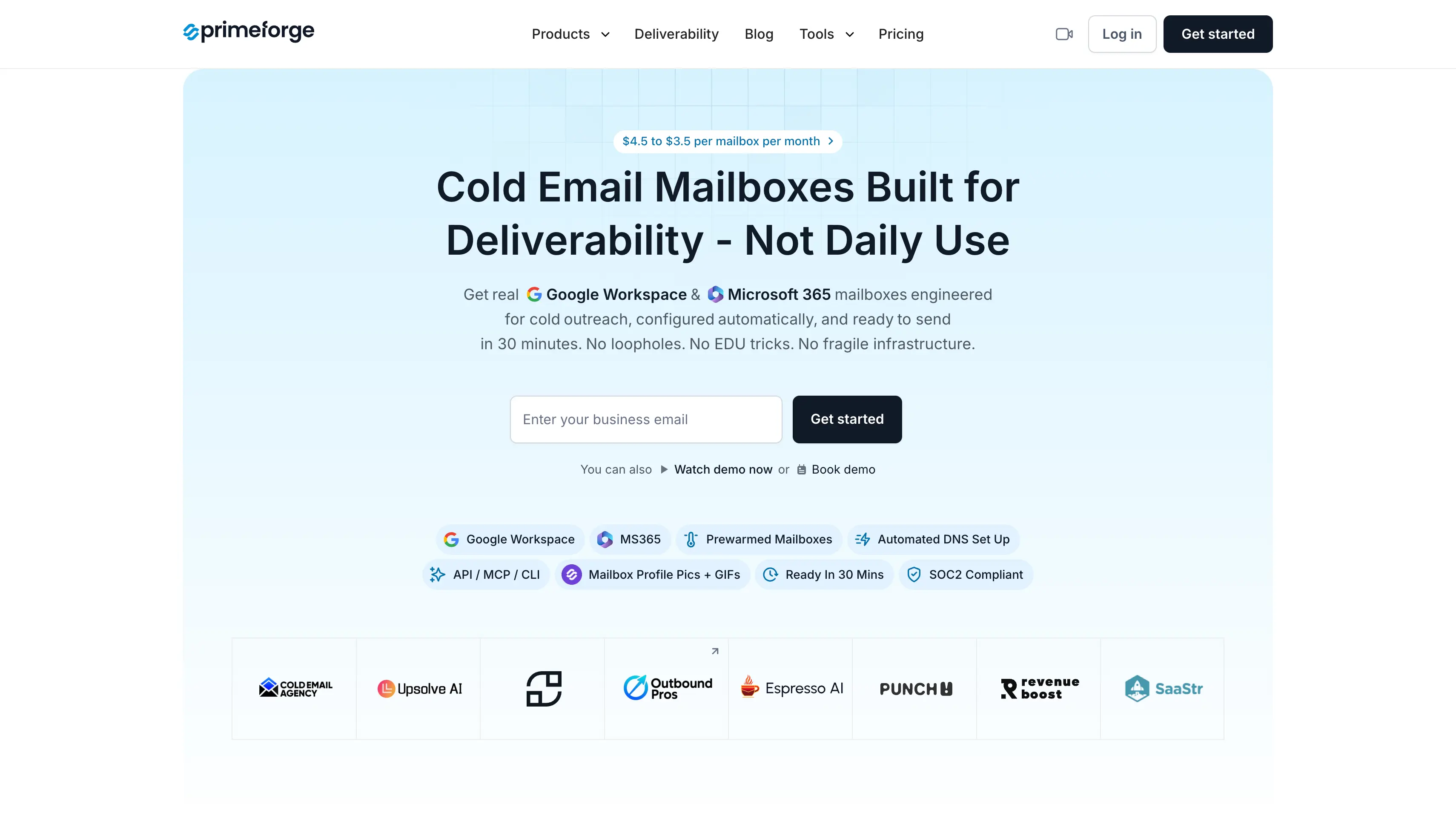
Primeforge gives you legitimate Google Workspace and Microsoft 365 accounts. These accounts keep working even when a provider updates its policies.
It's easy to set-up and get started because platform itself handles SPF, DKIM, DMARC, and custom domain tracking.
It also helps to sets up profile pictures and GIFs for every mailbox. Most cold email infra providers leave this part to you.
Primeforge sells pre-warmed mailboxes as a separate purchase. I connect one and start a small campaign the same day. There is no two-to-four week warmup wait.
Once the mailboxes are ready, I connect them to Salesforge and launch campaigns right away. They also work with any other sending tool.
Overall, I rank Primeforge as the best cold email infra pick in this list for anyone who wants inbox placement first.
Primeforge costs $4.50 to $3.50 per mailbox per month, billed annually. There is a minimum of 10 mailbox slots, and .com domains cost $14 per year.
For example, to process 8,000 contacts per month, you need 125 mailboxes across 42 domains. That costs $459 per month billed yearly, or $551 per month billed monthly.
Every subscription includes automated DNS setup, inbox hosting and maintenance, expert customer support, and Primeforge API access.
There's no free trial, but you can explore the app free before spending anything.
Primeforge has 10+ reviews on G2 with a 4.4/5 rating. Users praise its quick setup, ease of use, and the time it saves when preparing Google Workspace mailboxes for cold email. Reviewers also highlight its deliverability and responsive customer support. One recent review says Primeforge saved hours of mailbox preparation and made it easier to get campaigns running.
Infraforge is the next cold email infrastructure tool in this list.
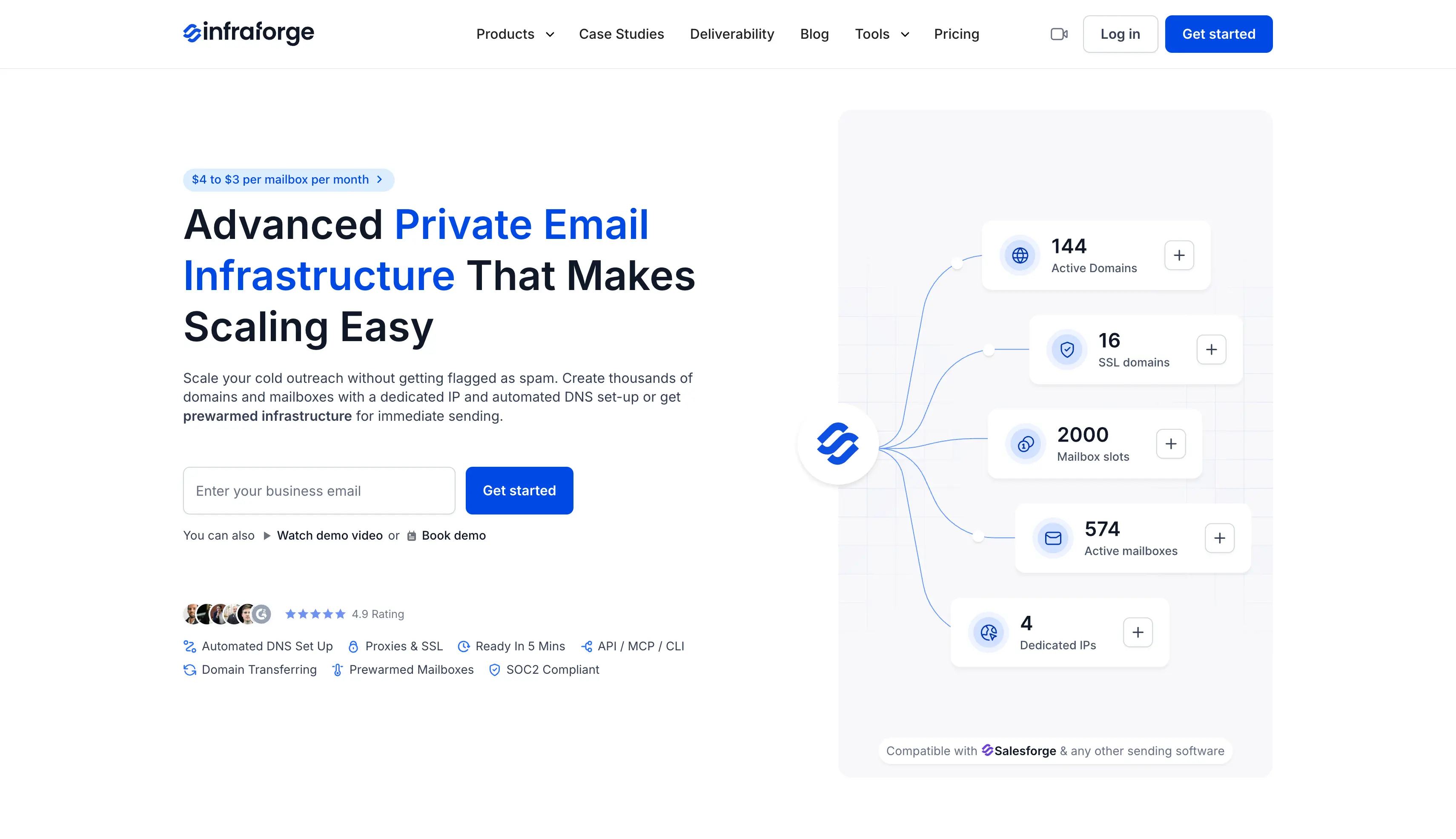
I put it in 2nd position because high-volume teams and agencies prefer it. They get separate dedicated IPs, pre-warmed mailboxes, automation through API, MCP, and CLI, and a white-label option.
It is a private infrastructure platform where every mailbox runs on dedicated servers with its own IP address.
If you run cold email campaigns and don't want to share sending risk with anyone else, private email infrastructure is the answer.
On shared infrastructure, your reputation depends partly on how other senders in the pool behave.
On Infraforge, every mailbox runs on its own dedicated IP, so your sending behavior alone defines your reputation.
The same logic protects agencies. I assign a separate IP to each client, and one client's bad week can't hurt another client's deliverability.
Infraforge sells pre-warmed mailboxes and domains as well, so you skip the standard two-to-four week warmup wait.
Overall, I rank Infraforge as the best pick when you have outgrown shared IPs and want your reputation fully under your own control.
Infraforge uses simple per-mailbox pricing that drops as your volume grows:
If dedicated feels like too much, the next one is the budget option.
Infraforge has 50+ reviews on G2 with a 4.8/5 rating. Users praise its quick setup, dedicated IP infrastructure, and easy-to-use platform. Reviewers also highlight its automated DNS configuration, domain and mailbox management, and ability to handle email infrastructure from one platform. Several users mention how Infraforge reduces the technical work involved in setting up and scaling cold email infrastructure.
Mailforge is the third cold email infrastructure tool in this list.
I put it in 3rd position because it is the most affordable way to start. You get shared infrastructure with fully automated setup at $3 to $2 per mailbox per month.
It runs a shared IP pool built specifically for cold outreach, so you get reliable sending without paying for dedicated servers.
If you are launching your first cold email campaigns and want to keep costs low, shared email infrastructure is the answer.
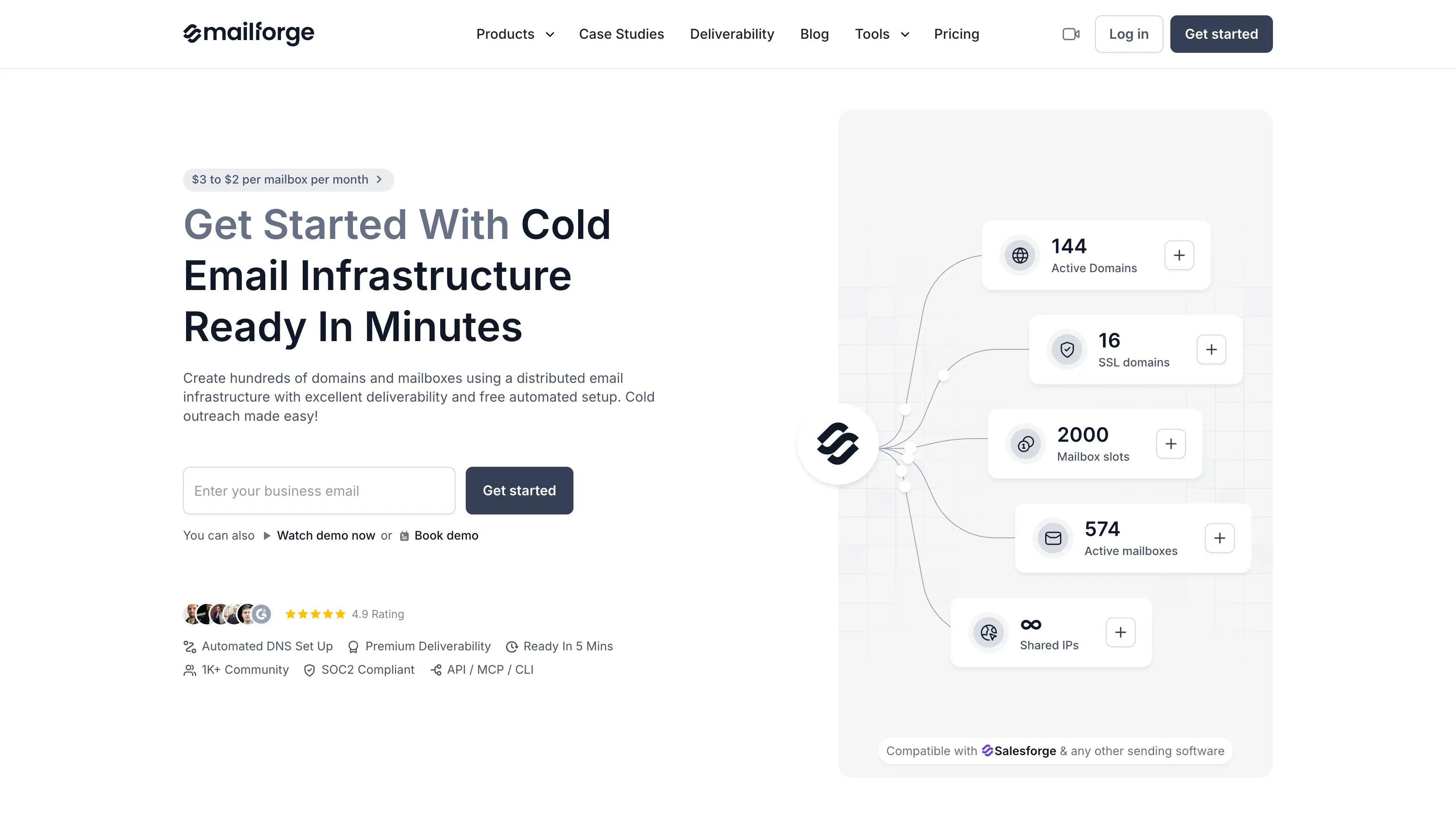
You share the sending infrastructure with 10,000+ other businesses, so the per-mailbox cost stays low and there is no server to manage on your side.
Mailforge also removes the technical setup. I enter my target sending volume, and the guided flow calculates how many domains and mailboxes I need. The platform then completes the DNS work (SPF, DKIM, DMARC, and tracking domains) in a few clicks.
I've tested it by creating 20 mailboxes across 7 domains, and the full setup took under five minutes. It is the fastest and lowest-cost way to complete a full cold email infrastructure setup and go live.
Overall, I rank Mailforge as the best starting point if you are starting cold emailing on a budget.
Mailforge keeps pricing simple with a low per-mailbox rate:
Mailforge has 90+ reviews on G2 with a 4.7/5 rating. Users praise its easy setup, automated DNS configuration, and simple domain and mailbox management. Reviewers also appreciate how quickly they can add domains and mailboxes as their outreach grows. Recent reviews highlight the hassle-free DNS setup and the convenience of scaling cold email infrastructure without handling the technical work manually.
Next on the list is Maildoso, a cold email infrastructure provider known for the lowest mailbox prices in the market.
If your outreach model needs hundreds of mailboxes and every dollar of margin matters, Maildoso keeps the infrastructure bill small. Mailboxes start at $0.49.
Maildoso runs its own SMTP servers with automated SPF, DKIM, and DMARC setup.
I register a domain in the dashboard and enter the mailbox names. The inbox setup finishes in under 10 minutes. You can also connect domains you already own.
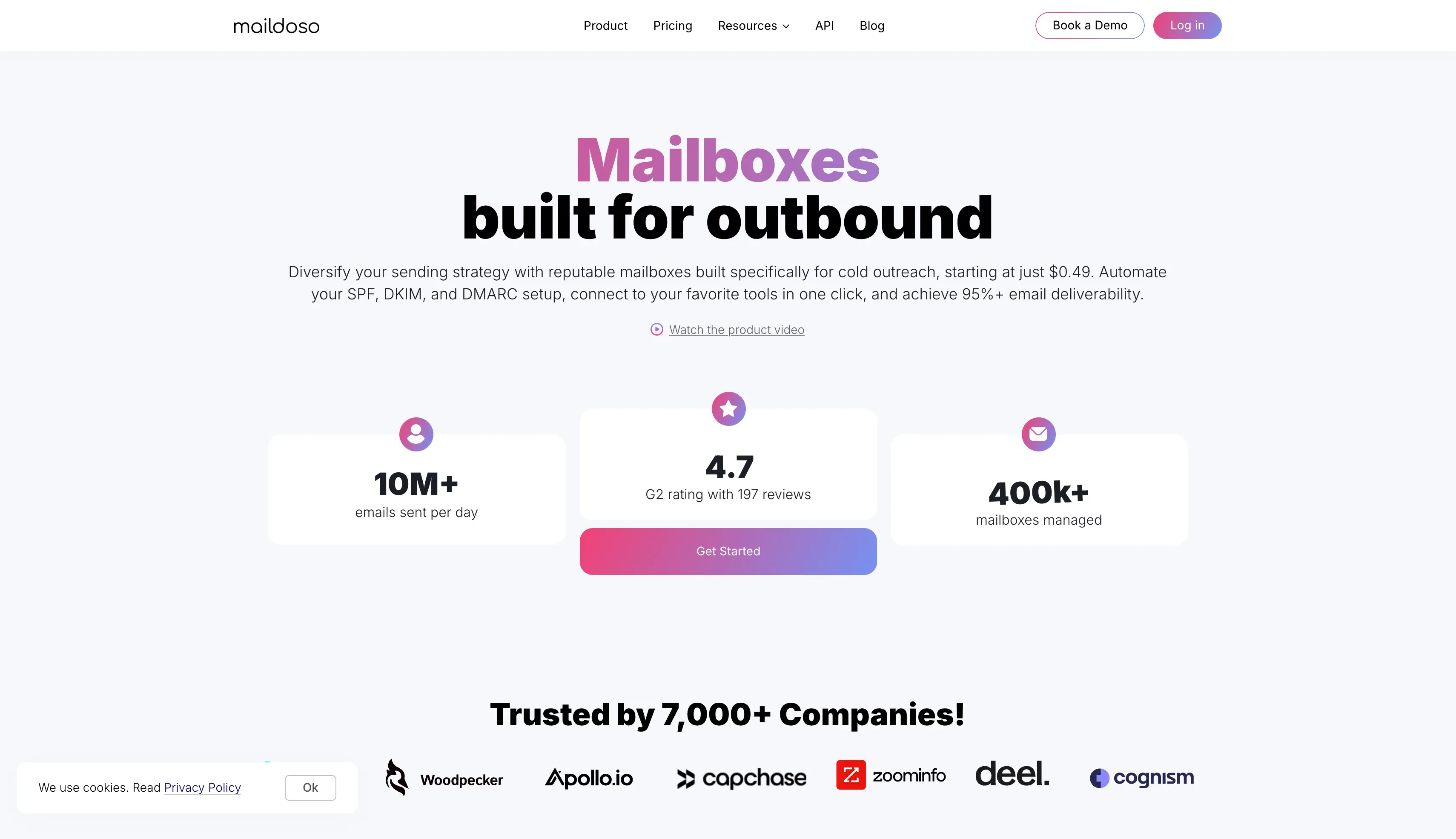
From there, mailboxes sync to Instantly, Smartlead, Saleshandy, and other sending tools in one click.
Every plan includes API and MCP access. Most providers lock programmatic access behind their top tier, and MCP support is still rare in this category.
Maildoso also protects your primary domain behind CAPTCHA, so bots and scanners can't link it to your secondary domains.
Overall, it is a solid pick when volume matters more than the mailbox provider name.
Maildoso uses monthly pay-per-mailbox pricing, and the price drops steeply at volume.
Custom mailbox counts outside these plans start at $0.49 per mailbox on the Packages & Add-ons page.
Maildoso has 200+ reviews on G2 with a 4.6/5 rating. Users praise its easy setup, clear interface, reliable infrastructure, and responsive customer support. Reviewers also highlight its API connections, mailbox management, and value for larger cold email operations. Recent reviews mention the platform's stability, straightforward setup, and ability to support campaigns at scale.
Zapmail is the next cold email infrastructure provider on this list.
If you want real Google Workspace mailboxes but the direct Google price doesn't fit your budget, Zapmail is built for you.
It resells Google Workspace mailboxes (Microsoft 365 is available too) with automated setup.
Zapmail gives each domain its own isolated workspace. If a provider flags one mailbox, the damage stays inside that workspace and your other domains keep sending.
Mailboxes connect to sending tools through OAuth rather than manual app passwords, and Zapmail lists 50+ integrations, including Instantly, Smartlead, and ReachInbox.
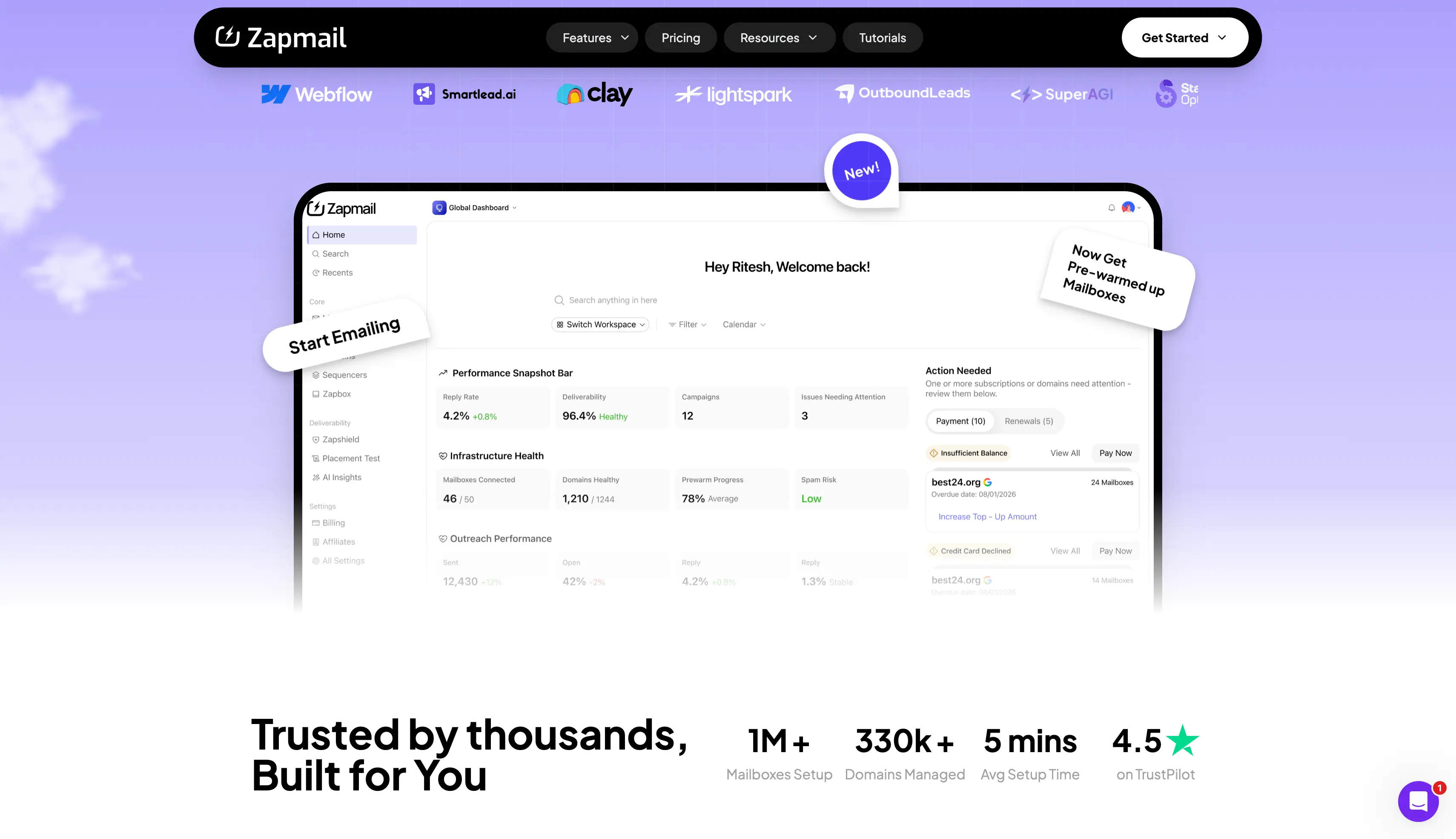
The platform configures DNS, SPF, DKIM, DMARC, and custom tracking domains automatically.
Zapmail also sells pre-warmed mailboxes and aged domains, so day-one sending is possible if you pay for it.
Overall, it is a reasonable pick for getting Google mailboxes live quickly on a small budget.
Zapmail runs three tiers on monthly billing: Starter at $39/month for 10 Google mailboxes, Growth at $99/month for 30, and Pro at $299/month for 100.
Additional mailboxes run $3.50, $3.25, and $3.00 per mailbox respectively. Yearly billing gets 2 months free, and pricing starts at $2.50 per mailbox on the highest yearly tier.
Zapmail has 90+ reviews on Trustpilot with a 4.5/5 rating. Users praise its responsive customer support, easy setup, and simple account management. Reviewers also highlight the quality of its Google and Microsoft accounts, deliverability, pricing, and the time the platform saves when preparing mailboxes for cold email. Recent reviews repeatedly mention the team's quick response and hands-on help during setup and troubleshooting.
View Zapmail reviews on Trustpilot
Inframail is the next cold email infrastructure provider on my list, and it takes a different approach to pricing.
Instead of charging per mailbox, it charges one flat monthly fee and lets you create as many inboxes as you want.
If your business runs on sending volume, the flat fee changes your math.
At 200 inboxes, you pay well under a dollar per inbox before domains. Per-mailbox providers cannot match that at scale.
Inframail runs Microsoft-based infrastructure with dedicated IPs. The Unlimited plan includes one dedicated IP and unlimited inboxes with automated SPF, DKIM, and DMARC. The Agency Pack adds two more IPs and higher sending capacity.
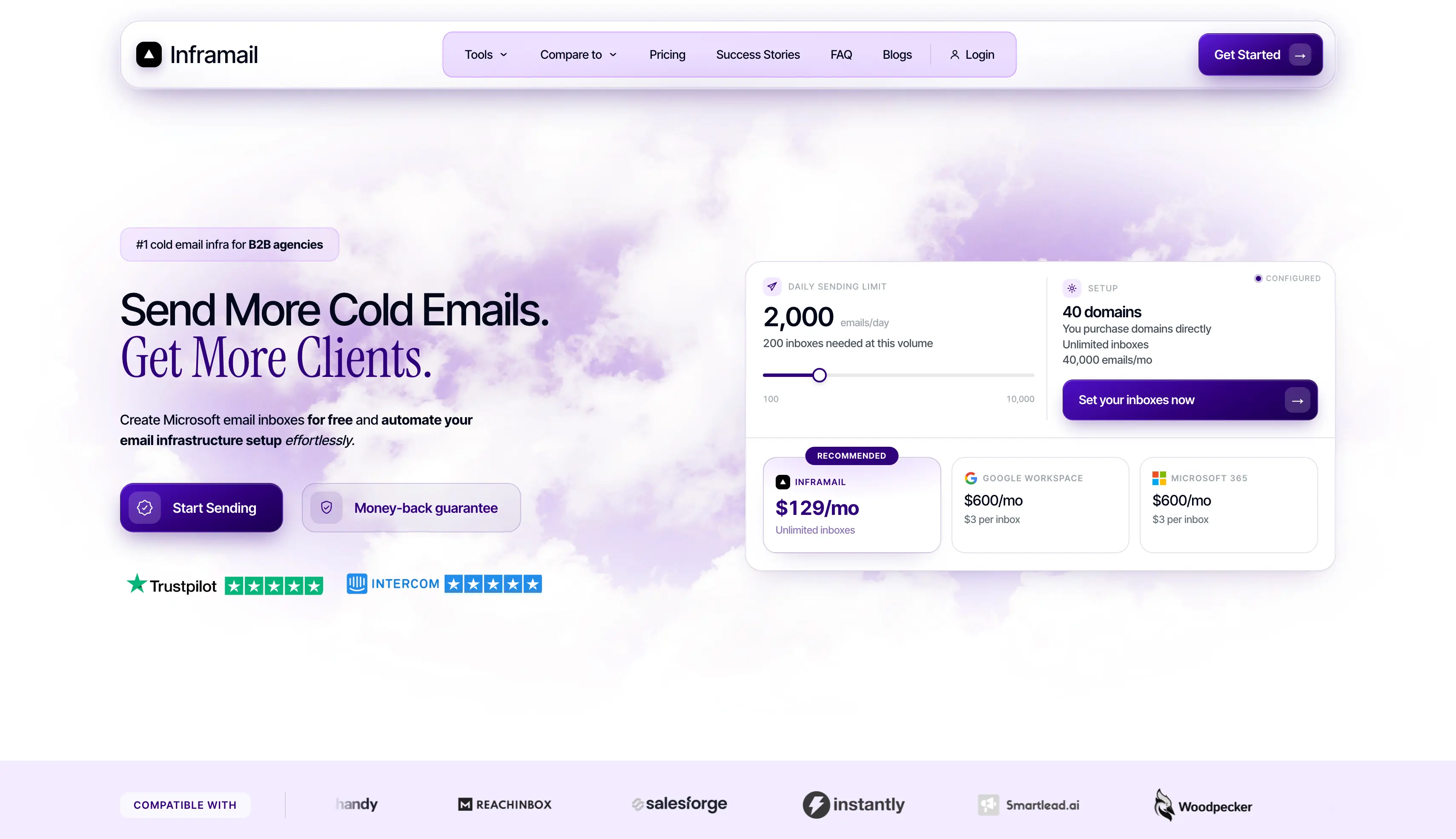
You buy domains directly through the platform. Inboxes go live in minutes and the platform sets up the records automatically.
Overall, it is a strong pick for agencies that count infrastructure cost per inbox.
Inframail's Unlimited plan runs $129/month (80,000 emails/month), and the Agency Pack runs $327/month (300,000 emails/month). Yearly billing saves 30%.
There is also a done-for-you campaign setup at $3,497 once or $499/month, which includes account setup, warmup, a sending platform, and a dedicated coach.
Inframail has 30+ reviews on Trustpilot with a 4.5/5 rating. Users praise its fast setup, automated DNS configuration, simple interface, and pricing. Reviewers also highlight its deliverability, infrastructure, and responsive customer support. Several users mention how quickly they can get their domains and inboxes ready and how the support team helps with technical questions and setup.
View Inframail reviews on Trustpilot
Last on my list is Mission Inbox, a premium cold email infrastructure platform built for enterprise teams.
It runs isolated servers with dedicated IPs and adds a pre-send firewall that checks every email before it goes out.
If your business cannot afford deliverability surprises, Mission Inbox sells total ownership. There is no Google or Microsoft dependency.
You get isolated server instances (it calls them Cubes), dedicated IPs, and full ownership of your reputation and data.
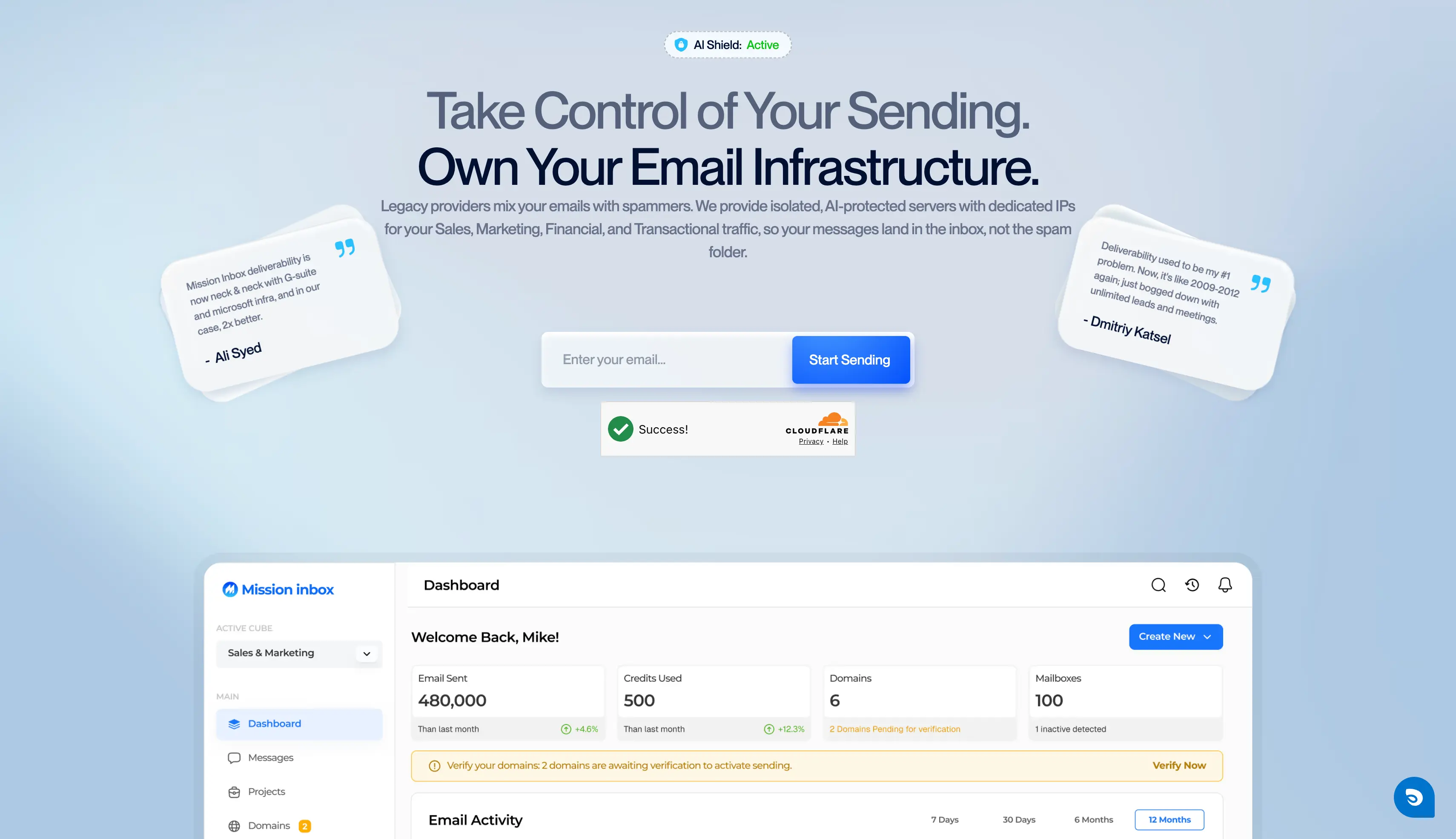
Its MI Shield™ feature scans content, headers, and DNS before an email leaves. It blocks anything that looks like spam before it can damage your domain.
Mission Inbox also handles sales, marketing, transactional, and financial email on the same infrastructure. Each email type runs on its own lane, so a big marketing campaign can't hurt the delivery of your invoices and other business-critical emails.
Overall, it is the pick for enterprise teams that treat email infrastructure as a compliance requirement and can pay premium prices for it.
Mission Inbox's Starter plan runs $199/month with 30 mailboxes, 10,000 sends per month, dedicated IPs, and MI Shield™ protection.
Extra usage runs $1 per 1,000 sends and $0.50 per premium credit.
The Pro plan at $599/month unlocks API sending, discounted mailboxes at $2 each, and Slack direct support. Custom plans are available for teams sending over 50 million emails per month.
Mission Inbox has 10+ reviews on G2 with a 4.9/5 rating. Users praise its deliverability, dedicated infrastructure, clean interface, and easy setup. Reviewers also highlight its inbox placement testing, health checks, integrations, and responsive customer support. Several users say the platform has improved their deliverability and reply rates while making it easier to manage email infrastructure from one place.
View Mission Inbox reviews on G2
Choosing a cold email infrastructure provider depends on your sending volume, mailbox requirements, and the type of infrastructure you need.
If you want a simple setup with pre-warmed Google Workspace and Microsoft 365 mailboxes, Primeforge is a good place to start.
Primeforge handles the mailbox setup and infrastructure for you, so you can focus on running your campaigns instead of managing the technical setup.
You can explore Primeforge to see if it fits your outreach setup.
Cold email infrastructure is the technical layer behind your campaigns: secondary domains, sending mailboxes, DNS authentication (SPF, DKIM, DMARC), and IP reputation. It decides whether your emails land in the primary inbox, the promotions tab, or spam, no matter how good your copy is.
The best cold email infrastructure depends on where your prospects sit. Google Workspace and Microsoft 365 mailboxes with ESP matching (Primeforge) give the strongest primary inbox placement for most B2B senders. Shared infrastructure (Mailforge) is the best low-cost start, and dedicated IPs (Infraforge) fit agencies managing multiple clients. The most reliable setups run two or more infrastructure types side by side.
You can, but provisioning at scale is the hard part. Google Workspace costs $8.40 per mailbox directly, you set up every domain's DNS by hand, and aggressive sending can get accounts restricted. Providers like Primeforge sell the same real Google Workspace mailboxes pre-configured for cold outreach at nearly half that price.
Pre-warmed mailboxes come with existing sending history, so you can start campaigns on day one instead of warming for two to four weeks. They're worth it when speed matters: a new client launch, a time-sensitive campaign, or replacing a burned domain fast. If you're not in a hurry, standard mailboxes plus a warmup tool cost less.
ESP matching means sending from the same email provider your recipient uses: Google to Google, Microsoft to Microsoft. Inbox providers treat mail from their own infrastructure more favorably, which boosts primary inbox placement and helps you avoid the promotions tab. Primeforge is the only provider on this list that offers it.
Plan on roughly 25 to 35 mailboxes across 9 to 12 domains. The safe math is 30 to 40 cold emails per mailbox per day and 2 to 3 mailboxes per domain. Run email verification on your list before sending so bounces don't burn the new setup, and use inbox rotation in your sending tool so volume spreads evenly across mailboxes. Primeforge and Mailforge both include guided setups that do the mailbox math for you.
The market runs from about $2 to $7 per mailbox per month depending on the model. Shared infrastructure sits at $2 to $3 (Mailforge), dedicated at $3 to $4 (Infraforge), provider-native Google and Microsoft mailboxes at $3.50 to $4.50 (Primeforge), and premium enterprise setups at $6 or more (Mission Inbox). Flat-fee providers like Inframail can drop below $1 per inbox past 150 mailboxes.
Yes, keep email warm-up running. Pre-warmed means you can send on day one, but sender reputation is ongoing, not a one-time achievement. Continuous warm-up through a tool like Warmforge keeps positive engagement signals flowing while your campaigns run, and its inbox placement testing shows exactly where your emails land. That protects your domain reputation as volume grows.
